Vue Firebase Masterclass
ตอนที่ 2: Vue - Basic component, data binding, event, condition
แนะนำ Condition และ Loop
สารบัญ
Document ต้นฉบับ: https://vuejs.org/guide/essentials/conditional.html
แนะนำ Condition มีอะไรบ้าง ?
ใน Vue Component เอง มีความสามารถอย่างหนึ่ง คือ สามารถทำ Condition บน html template ได้เลย โดยไม่ต้องมาคอย management ผ่าน javascript แล้วทำการนำ DOM ใส่กลับเข้าไป
Condition จะมีิวิธีการใช้งานโดยประมาณคือ
html
<!-- 1. ใส่เป็น condition function -->
<div v-if="conditionFunction()">
<!-- ถ้า conditionFunction เป็นจริง จะแสดงผลออกมา -->
</div>

<!-- 2. ใส่เป็น boolean -->
<div v-if="checkType">
<!-- ถ้า checkType === true จะแสดงผลออกมา -->
</div>
เราจะมาลองใช้งาน condition แต่ละแบบกัน
1. v-if
- ถ้าเข้าเงื่อนไข จะแสดงผล
html
<script setup>
import { ref } from 'vue'

const isChecked = ref(false)

</script>

<template>
  <div>
    <div>
      <input type="checkbox" v-model="isChecked">
      ติ๊กถูกเพื่อแสดงผล
    </div>
    <div v-if="isChecked">
      Checkbox is checked!
    </div>
  </div>
</template>
ผลลัพธ์
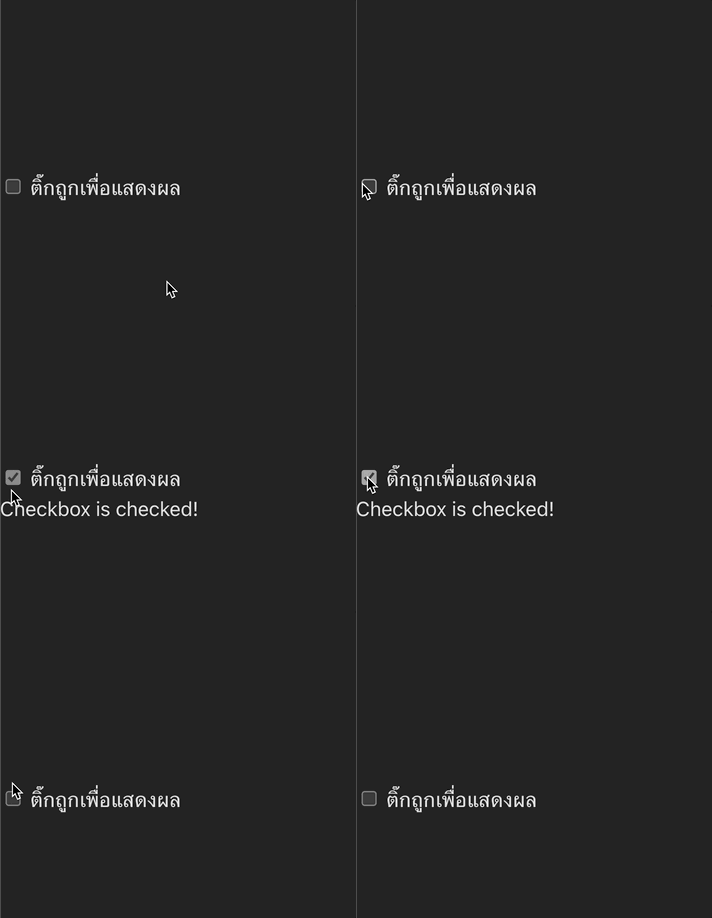
2. v-else
- ถ้าไม่เข้าเงื่อนไข
v-ifจะแสดงออกมา (ใช้คู่กัน)
html
<script setup>
import { ref } from 'vue'

const awesome = ref(true)

</script>

<template>
  <button @click="awesome = !awesome">Toggle</button>

  <h1 v-if="awesome">สวัสดี</h1>
  <h1 v-else>ไม่นะ 😢</h1>
</template>
ผลลัพธ์

3.v-else-if
- เพิ่มเงื่อนไขให้
v-if(ใช้คู่กัน)
html
<script setup>
import { ref } from 'vue'

const answer = ref('')

</script>

<template>
  <div>
    <input type="radio" value="yes" v-model="answer"> Yes
    <input type="radio" value="no" v-model="answer"> No
    <div v-if="answer === 'yes'">
      You answered Yes!
    </div>
    <div v-else-if="answer === 'no'">
      You answered No!
    </div>
    <div v-else>
      Please select an answer.
    </div>
  </div>
</template>
ผลลัพธ์
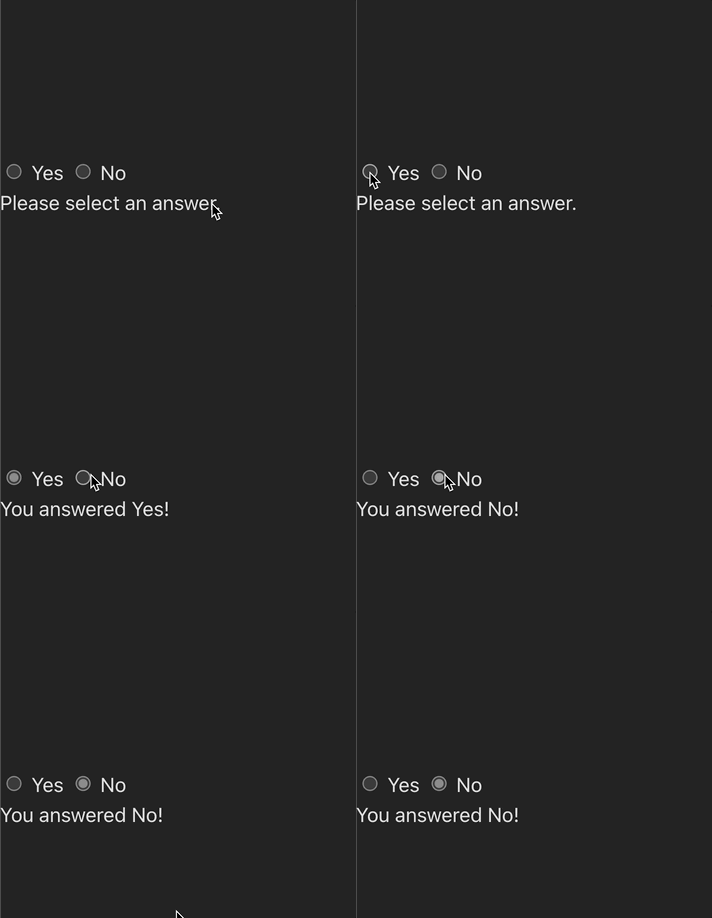
4. v-show
- เข้าเงื่อนไข แสดงผลออกมา (เหมือน
v-ifแต่ DOM ไม่หายไป แค่ซ่อนแสดงผลด้วยdisplay:noneแค่นั้น)
ลองดูตัวอย่างนี้เทียบกันระหว่่าง v-if กับ v-show
html
<script setup>
import { ref } from 'vue'

const isChecked = ref(false)

</script>

<template>
  <div>
    <div>
      <input type="checkbox" v-model="isChecked">
      ติ๊กถูกเพื่อแสดงผล
    </div>
    <div v-show="isChecked">
      Checkbox is checked! (v-show)
    </div>
    <div v-if="isChecked">
      Checkbox is checked! (v-if)
    </div>
  </div>
</template>
ผลลัพธ์
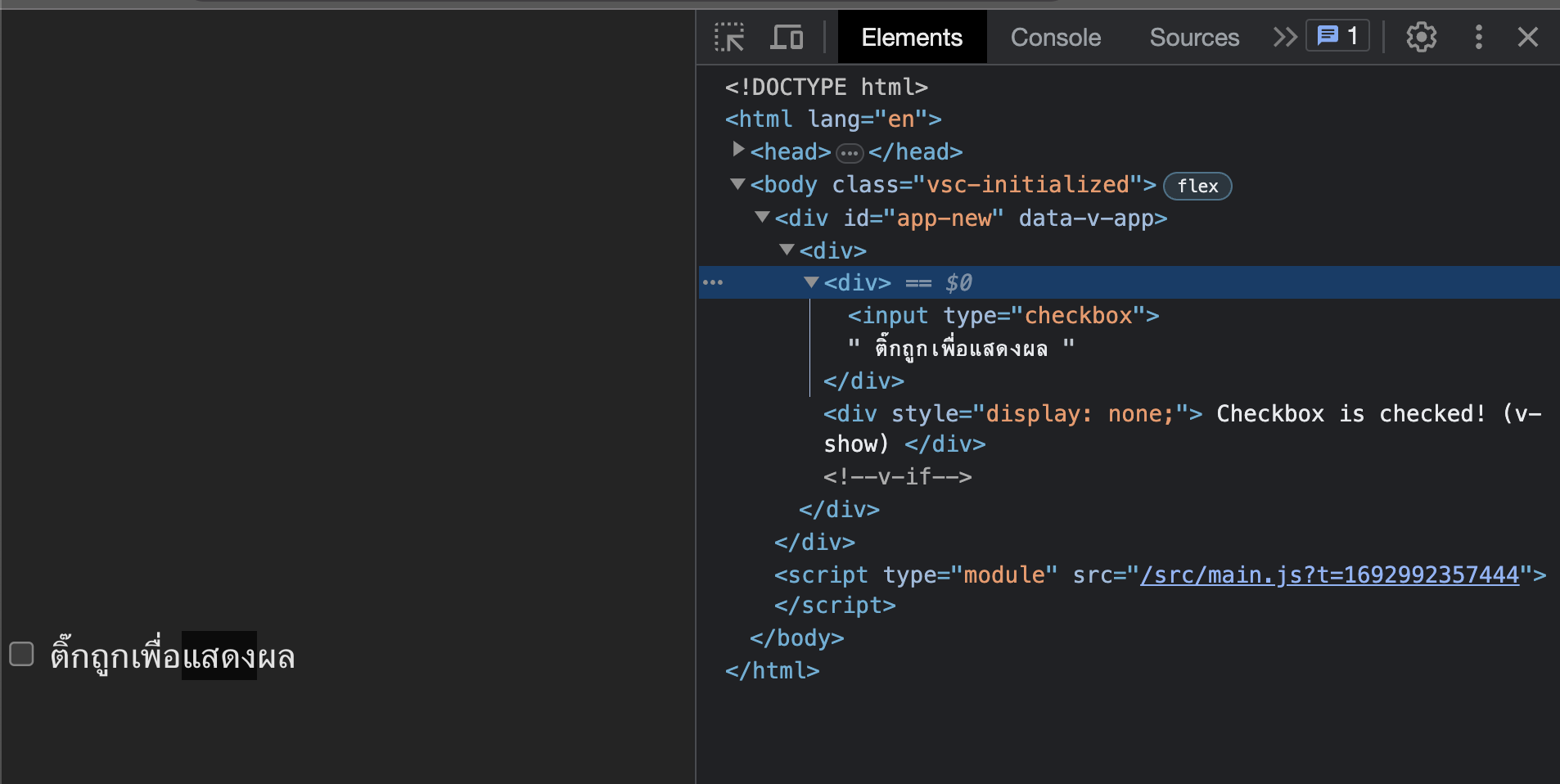
แนะนำการใช้ Loop เพิ่มเติม
- เราจะใช้
v-forในการวน loop แสดงผลข้อมูล
ตัวอย่าง code
html
<script setup>
import { ref } from 'vue'

const items = ref(['Item 1', 'Item 2', 'Item 3', 'Item 4'])
</script>

<template>
  <ul>
    <li v-for="(item, index) in items" :key="index">
      {{ (index+1) }}. {{ item }}
    </li>
  </ul>
</template>
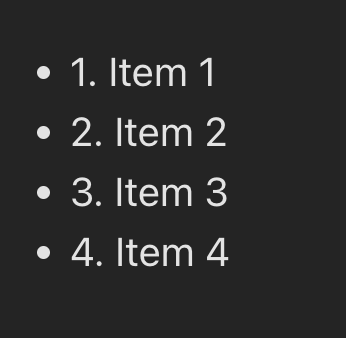
ผลลัพธ์