
Vue Firebase Masterclass
ตอนที่ 13: Vue + Firebase - เพิ่ม Cloud storage upload ภาพ สินค้า (Admin) และ Profile (User)
มาลองทำ upload ทั้ง 2 ฝั่ง
สารบัญ
เรามาทำทั้ง 2 case กัน โดยตอนนี้เราจะยังไม่ set security rule อะไร (ให้ทุกคนสามารถมา upload ภาพได้ก่อน)
(ฝั่ง User) เพิ่มการแก้ไข profile และ upload ภาพ
สิ่งที่เราจะเพิ่ม
- เพิ่มการแก้ไขข้อมูล profile ฝั่ง user (แก้ได้แค่ ชื่อ และ รูปภาพ แต่ email แก้ไม่ได้ เนื่องจากเป็น unique)
- upload ภาพฝั่ง user แล้วนำ url ไป update ที่ profile user ได้
แก้ stores/account.js
เพิ่มคำสั่ง
javascript
import { defineStore } from 'pinia'

import { db, auth } from '@/firebase'

export const useAccountStore = defineStore('user-account', {
  state: () => ({
    isLoggedIn: false,
    isAdmin: false,
    user: {},
    profile: {}
  }),
  actions: {
    async checkAuthState () {
      return new Promise((resolve) => {
        onAuthStateChanged(auth, async (user) => {
          try {
            if (user) {
              this.user = user
              this.isLoggedIn = true
              const docRef = doc(db, 'users', user.uid)
              const docSnap = await getDoc(docRef)

              if (!docSnap.exists()) {
                console.log('user not found')
                console.log('user', user)
                const userData = {
                  name: user.displayName,
                  role: 'member',
                  status: 'active',
                  updatedAt: new Date()
                }
                await setDoc(docRef, userData)
                this.profile = userData
              } else {
                this.profile = docSnap.data()
              }

              // เพิ่ม email เข้ามาใน profile (เนื่องจากเราไม่ได้เก็บ email ลง Firestore)
              this.profile.email = user.email

              if (this.profile.role !== 'member') {
                this.isAdmin = true
              }
              resolve(true)
            } else {
              resolve(false)
            }
          } catch (error) {
            console.log('error', error)
            resolve(false)
          }
        })
      })
    },
    // เพิ่ม updateProfile เข้ามา
    async updateProfile (userData) {
      try {
        const updateUserData = {
          name: userData.name,
          imageUrl: userData.imageUrl
        }
        const userRef = doc(db, 'users', this.user.uid)
        await updateDoc(userRef, updateUserData)
      } catch (error) {
        console.log('error', error)
      }
    }
  }
})
แก้ views/user/ProfileView.vue
Note
- เพิ่มให้ upload file ไปยัง storage ใน
handleFileChange(จากแต่เดิมที่ upload เพื่อ preview ผ่าน local) - ใช้ path upload path เดียวกับ uid ของ user เช่น
- ถ้า user มี uid: abc, ภาพจะ upload ไปที่ folder
users/abc/<image file>
- ถ้า user มี uid: abc, ภาพจะ upload ไปที่ folder
- ลบ localstorage ออกให้หมด (ให้ใช้ profile ผ่าน API แทน)
html
<script setup>
/* import ตัวอื่นๆก่อนหน้า */
import { onMounted, ref } from 'vue'
import { useAccountStore } from '@/stores/account'

import { ref, uploadBytes, getDownloadURL } from 'firebase/storage'
import { storage } from '@/firebase'

const userData = reactive({
  imageUrl: 'https://mikelopster.dev/mikelopster.da6b9a03.webp',
  email: '',
  name: ''
})

onMounted(() => {
  const userProfile = accountStore.profile
  userData.imageUrl = userProfile.imageUrl
  userData.email = userProfile.email
  userData.name = userProfile.name
})

const handleFileChange = async (event) => {
  const file = event.target.files[0]

  console.log(file)

  if (file) {
    const storageRef = ref(
      storage,
      `users/${accountStore.user.uid}/${file.name}`
    )
    const snapshot = await uploadBytes(storageRef, file)
    const downloadURL = await getDownloadURL(snapshot.ref)
    userData.imageUrl = downloadURL
  }
}
</script>
<template>
  <UserLayout>
    <!-- ใช้ upload แค่ตรงนี้ -->
    <input type="file" @change="handleFileChange">
  </UserLayout>
</template>
ผลลัพธ์จะออกมาเป็นประมาณนี้
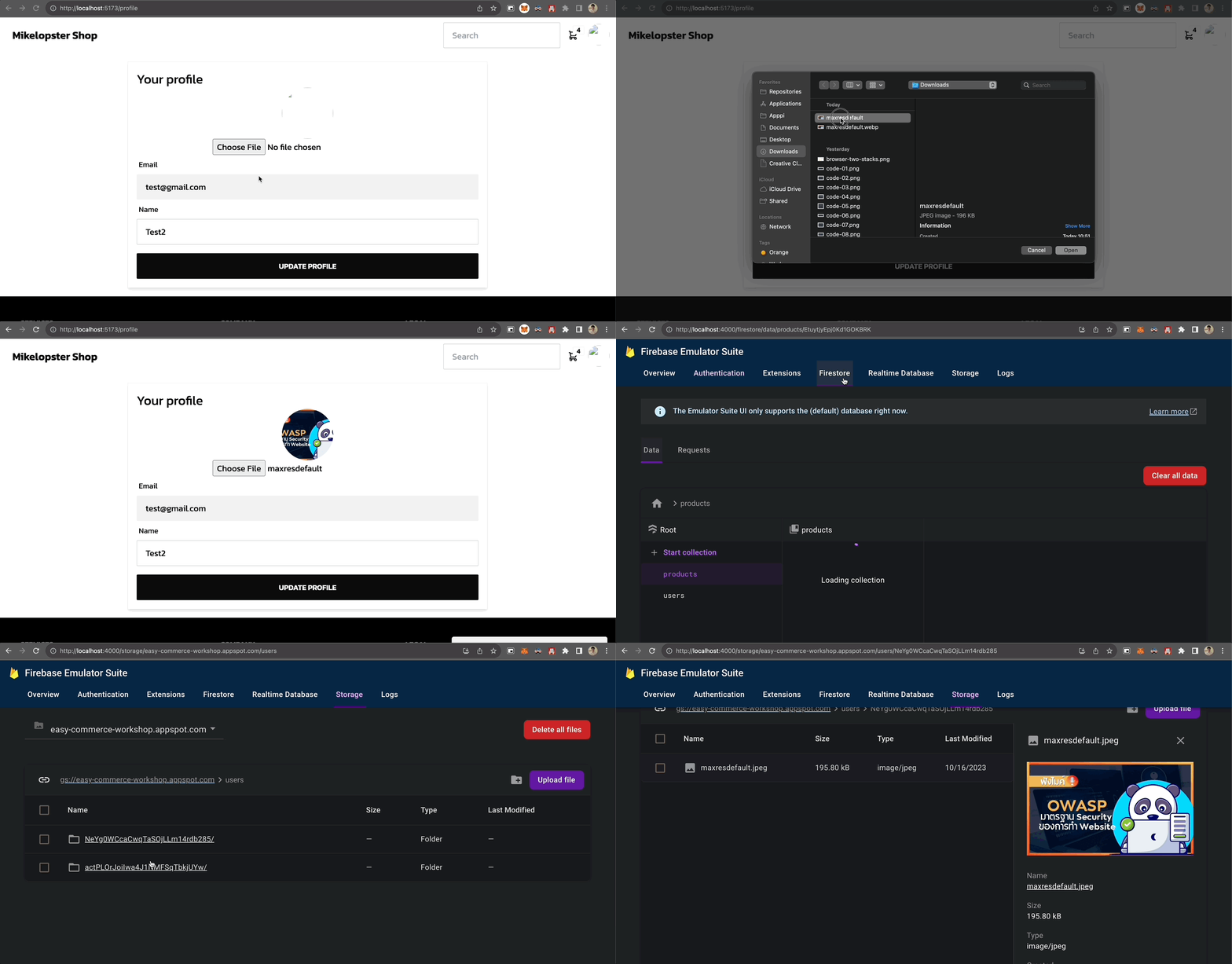
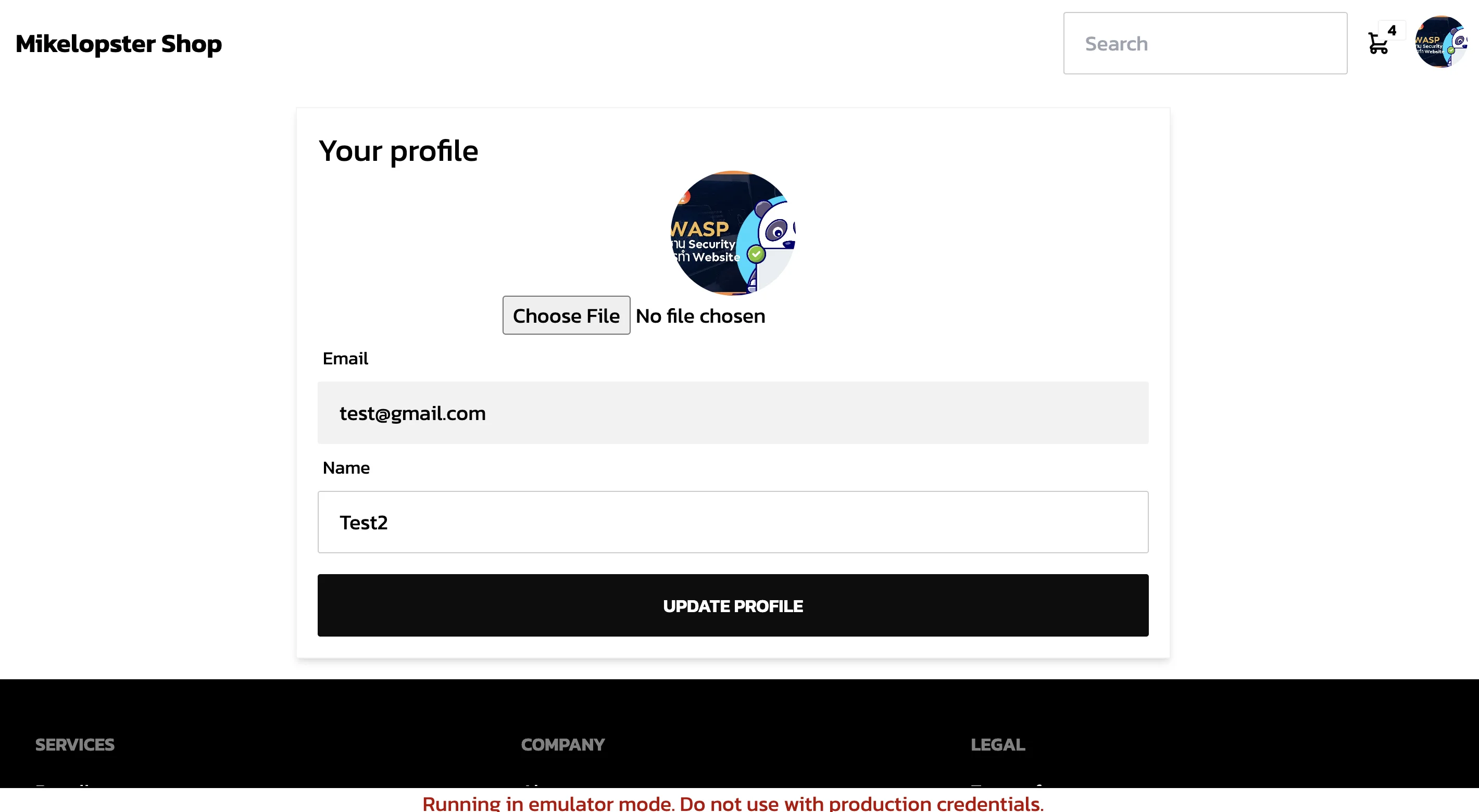
โดยเมื่อ refresh เว็บอีกที ภาพก็จะยังคงอยู่
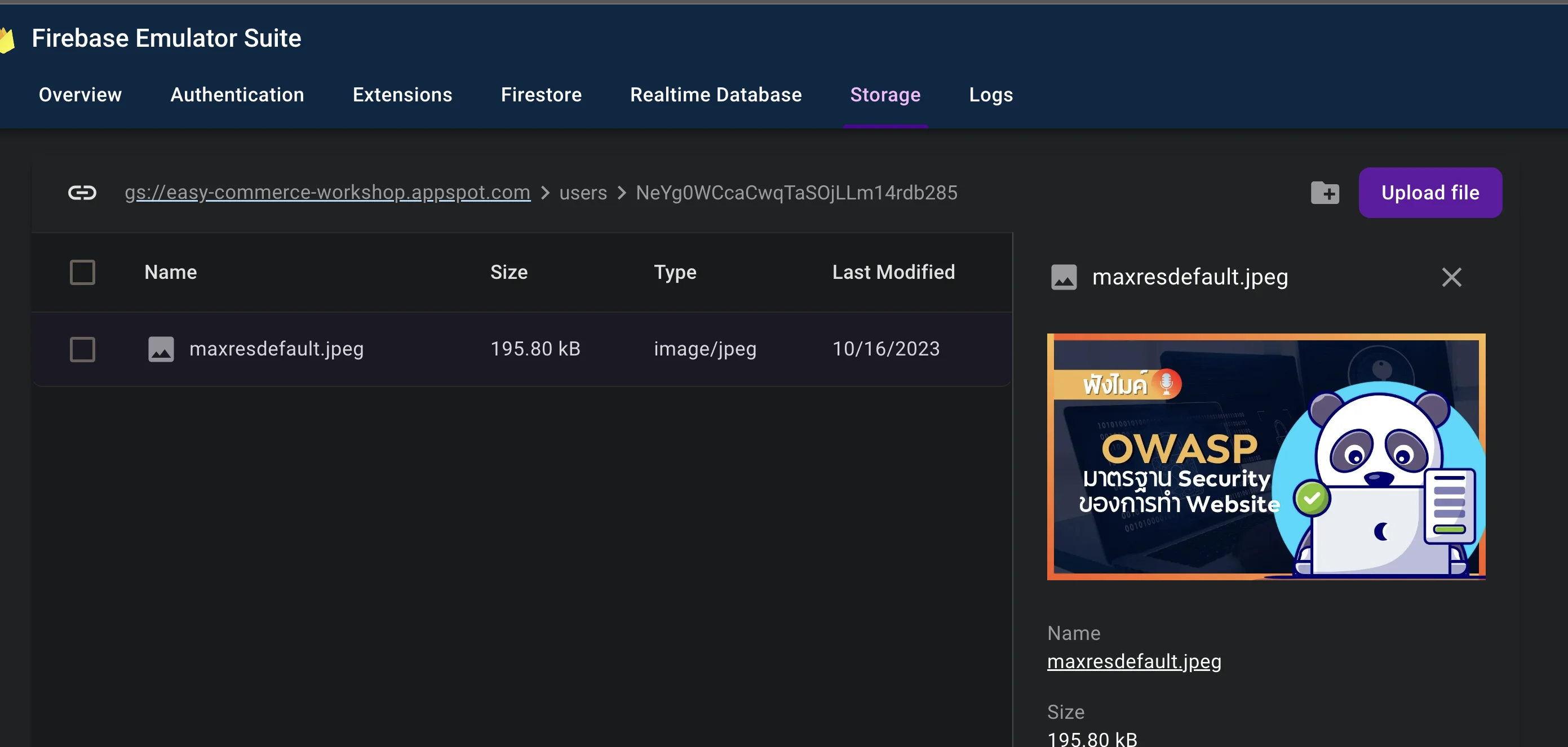
และเมื่อมาดูใน Firebase Emulator ก็จะเจอภาพออกมาได้
(ฝั่ง Admin) เพิ่มการ upload ภาพสินค้าฝั่ง admin
สิ่งที่เราจะเพิ่ม
- เปลี่ยนจากแต่เดิมใส่ภาพ url ภาพเข้าไปให้เป็นการ upload ภาพแทน
- ใช้ path
product/<product-id>-<file name>ในการ upload file
แก้ views/admin/product/UpdateView.vue
html
<script setup>
import { onMounted, ref, computed } from 'vue'
// ต้องเปลี่ยนชื่อ ref เพราะชนกับ ref ของ Vue
import { ref as storageRef, uploadBytes, getDownloadURL  } from 'firebase/storage'
import { storage } from '@/firebase'

const handleFileChange = async (event) => {
  const file = event.target.files[0]

  if (file) {
    // ใช้ path /products แทน
    const productRef = storageRef(
      storage,
      `products/${productId.value}-${file.name}`
    )
    const snapshot = await uploadBytes(productRef, file)
    const downloadURL = await getDownloadURL(snapshot.ref)
    selectedProduct.value.imageUrl = downloadURL
  }
}
</script>
<template>
  <AdminLayout>
    <!-- แก้ไขแค่ตรงภาพ จากแต่เดิมเป็นกล่อง input -->
    <div class="form-control w-full">
      <label class="label">
        <span class="label-text text-base-content">
          Image
        </span>
        <div class="avatar">
          <div class="w-24 rounded-full">
            <img :src="selectedProduct.imageUrl" />
          </div>
        </div>
      </label>
      <input
        type="file"
        placeholder=""
        @change="handleFileChange"
      />
    </div>
  </AdminLayout>
</template>
ผลลัพธ์จะออกมาเป็นประมาณนี้