
Vue Firebase Masterclass
ตอนที่ 10: Vue + Firebase - เพิ่ม Login ฝั่ง User และ Admin ด้วย Firebase Authentication
ใส่ Login ฝั่ง Admin
สารบัญ
ทำ login ด้วย email, password ในหน้า Admin
- เพิ่ม login ด้วย email, password ของหน้า admin
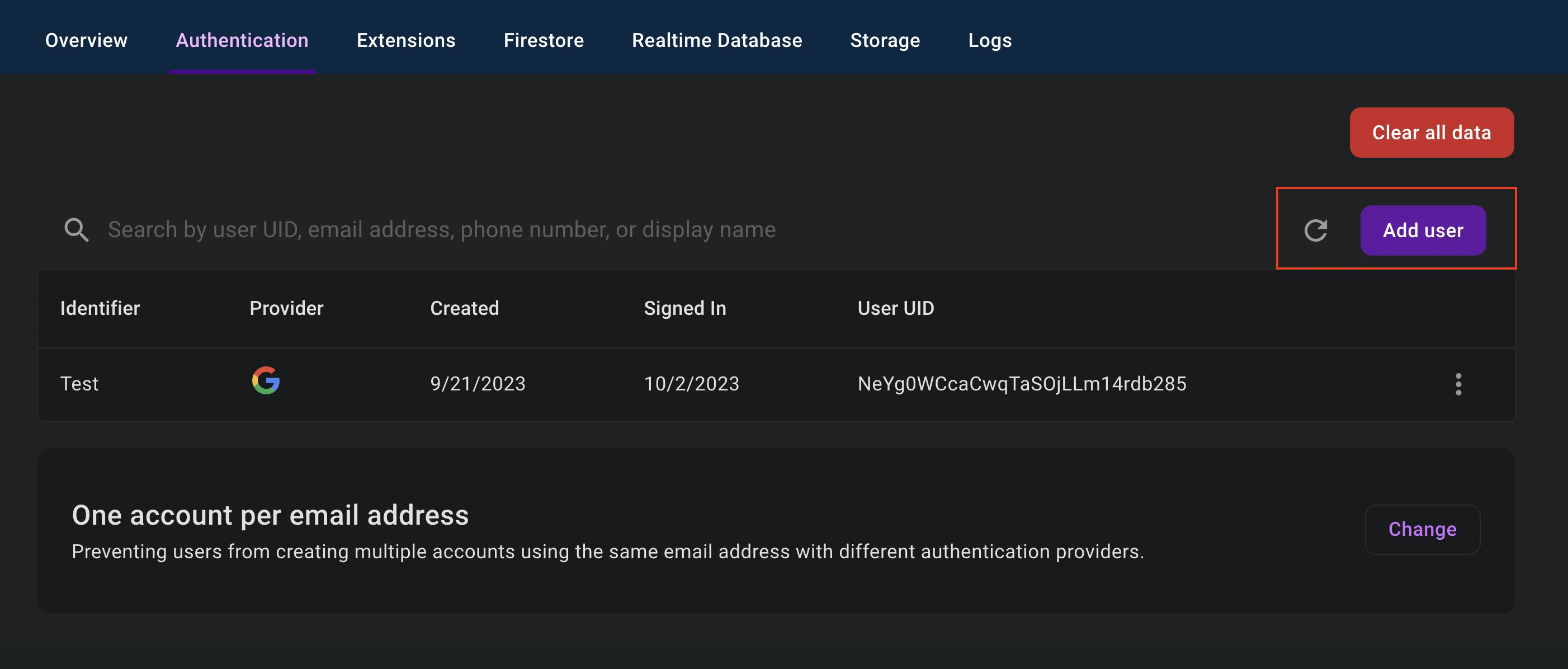
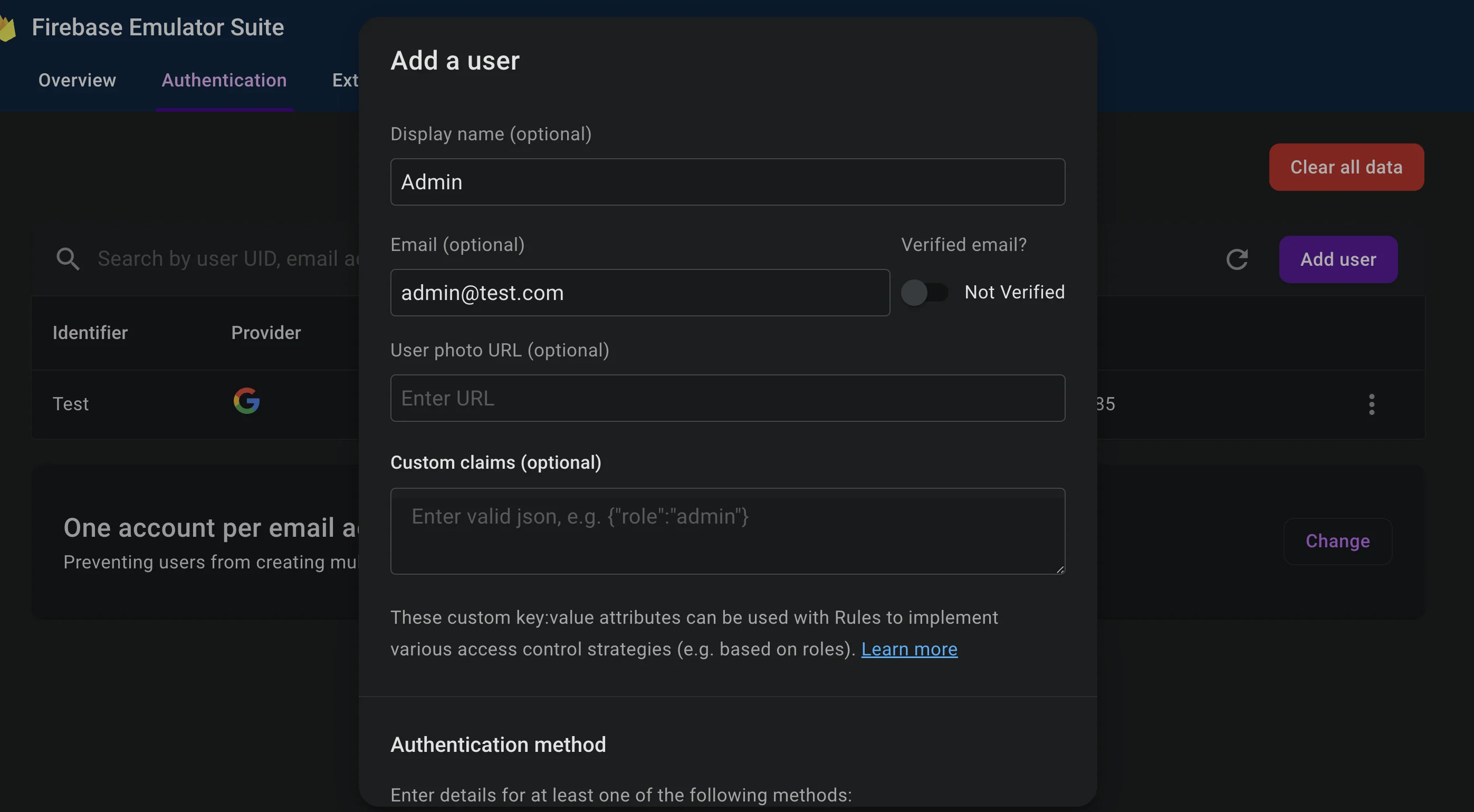
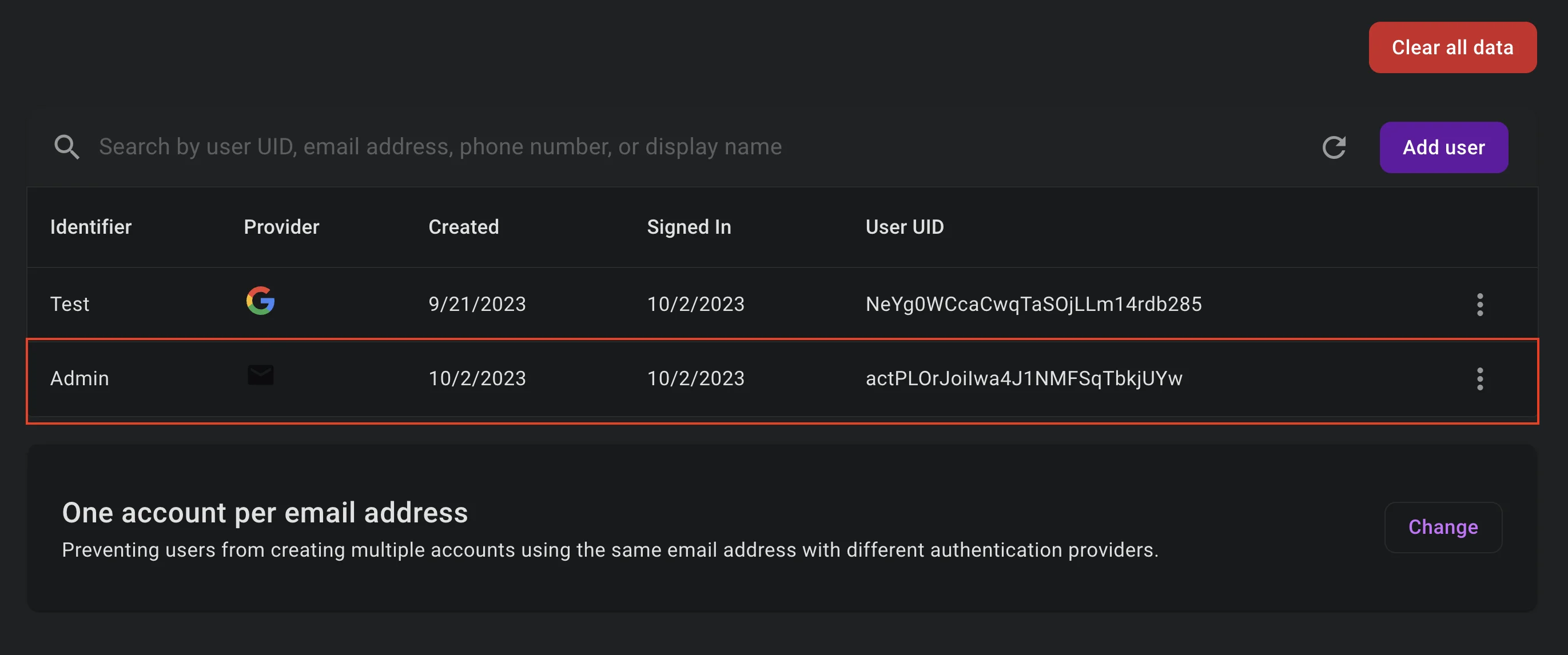
- เพิ่ม account admin เข้าไปตรงๆด้วย email
[email protected]ก่อน
ที่ stores/account.js
- import
signInWithEmailAndPasswordเข้ามาสำหรับ support การ login ด้วย email - เพิ่ม
isAdminสำหรับ mark admin เข้ามา checkAuthState()ให้เพิ่มเงื่อนไขการได้ isAdmin เข้ามา (โดยเช็คจาก email ว่า[email protected])- สร้าง function สำหรับ login admin และเพิ่ม clear state
isAdminตอน logout
javascript
import {
  signInWithEmailAndPassword // import เพิ่มเข้ามาสำหรับ login email, password
} from 'firebase/auth'

import { auth } from '@/firebase'

export const useAccountStore = defineStore('user-account', {
  state: () => ({
    isLoggedIn: false,
    isAdmin: false, // เพิ่มเข้ามาสำหรับ admin
    user: {}
  }),
  actions: {
    async checkAuthState () {
      return new Promise((resolve) => {
        onAuthStateChanged(auth, (user) => {
          if (user) {
            this.user = user
            this.isLoggedIn = true
            // เพิ่มเข้ามาเพื่อใช้ mark admin ตอน login กลับมา
            if (this.user.email === '[email protected]') {
              this.isAdmin = true
            }
            resolve(true)
          } else {
            resolve(false)
          }
        })
      })
    },
    // เพิ่ม function login email, pass สำหรับ admin
    async signInAdmin (email, password) {
      try {
        const userCredential = await signInWithEmailAndPassword(auth, email, password)
        this.user = userCredential.user
        this.isAdmin = true
        this.isLoggedIn = true
      } catch (error) {
        switch (error.code) {
          case 'auth/invalid-email':
            throw new Error('Invalid email')
          case 'auth/wrong-password':
            throw new Error('Wrong password')
          default:
            throw new Error('Login invalid')
        }
      }
    },
    async logout () {
      this.isLoggedIn = false
      this.isAdmin = false // เพิ่ม flag ว่า admin ให้กลับคืนเป็น false เหมือนเดิม
      await signOut(auth)
    }
  }
})
ที่ views/Login.vue
html
<script setup>
/* code import vue อื่นๆ */

import { useEventStore } from '@/stores/event'
import { useAccountStore } from '@/stores/account'

const accountStore = useAccountStore()
const eventStore = useEventStore()

const login = async () => {
  try {
    await accountStore.signInAdmin(email.value, password.value)
    if (accountStore.isAdmin) {
      router.push({ name: 'admin-dashboard' })
    }
  } catch (error) {
    eventStore.popupMessage('error', error.message)
  }
}
</script>
กำหนดว่า ถ้ายังไม่ login = ใช้หน้า Admin ไม่ได้
ที่ router/index.js
- เพิ่ม
beforeEachเข้ามาเพื่อดักเอาไว้ว่าต้องมีสถานะ login และเป็น admin เท่านั้นถึงจะเปิดหน้าได้ - ถ้า login และเป็น admin อยู่แล้ว = redirect ไปหน้า Dashboard ได้เลย
javascript
router.beforeEach(async (to, from, next) => {
  // auth condition
  const userAccountStore = useAccountStore()
  await userAccountStore.checkAuthState()

  // condition router
  if ((!userAccountStore.isLoggedIn ||
      !userAccountStore.isAdmin) &&
      to.name.includes('admin')) {
    next({ name: 'home' })
  } else if (userAccountStore.isAdmin && to.name.includes('login')) {
    next({ name: 'admin-dashboard' })
  } else {
    next()
  }
})
ให้ลองสร้าง account admin ขึ้นมาผ่าน Firebase Authentication
ผลลัพธ์
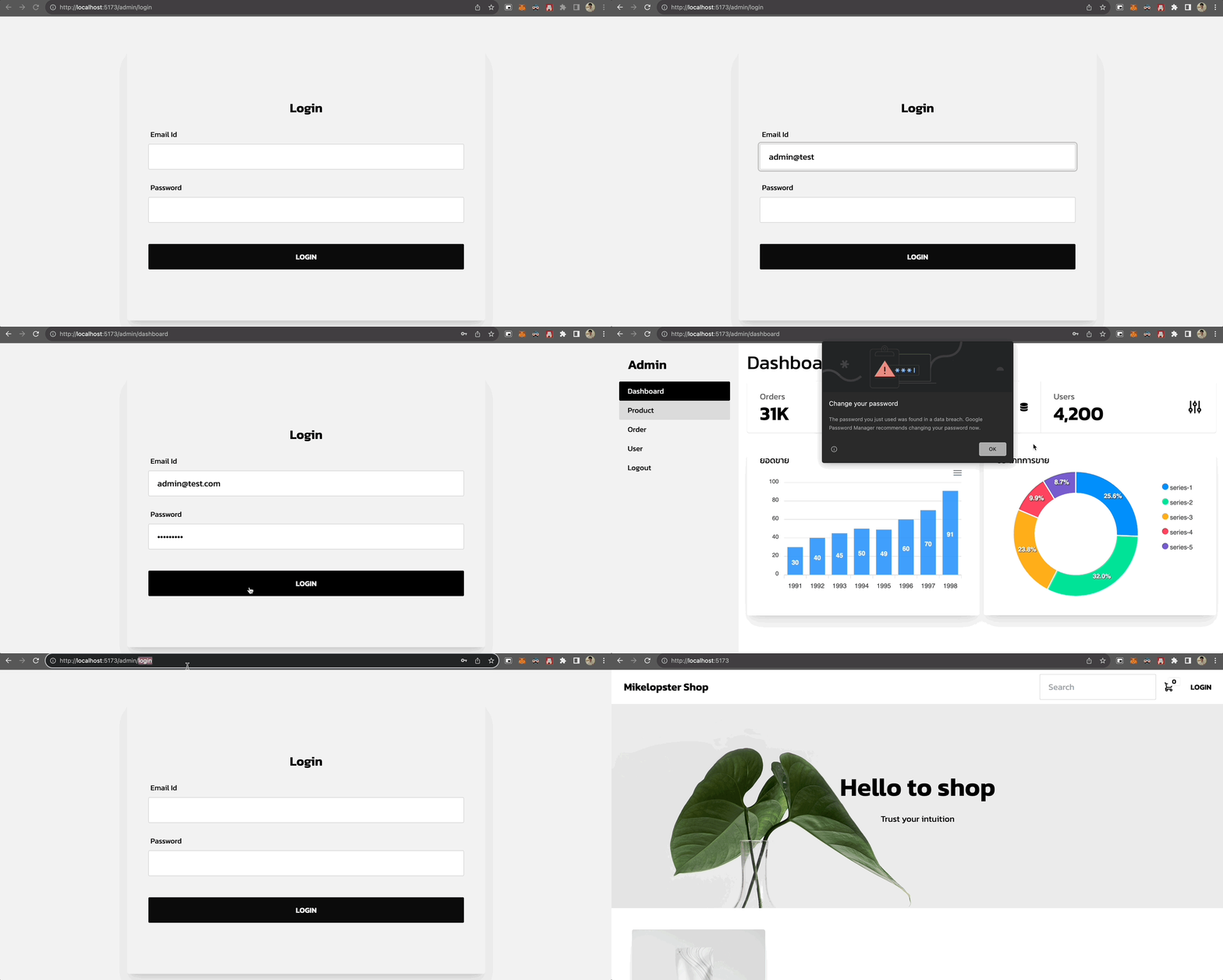
(กำหนดสิทธิ์ภายใน Database เราจะคุยกันใน Session ต่อไป)